How to send us your link
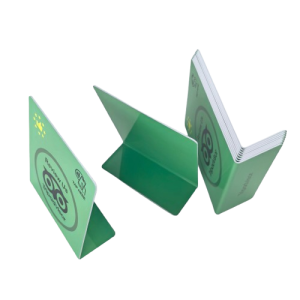
How to Find Your TripAdvisor Review Link
- Open your TripAdvisor business page.
- Click Write a Review.
- Copy the URL from your browser’s address bar.
- Send that link to at justtapitandgo@gmail.com.
We’ll add it to your review cards so customers can leave reviews with one tap.
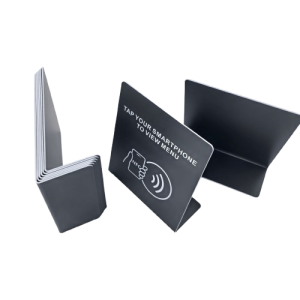
How restaurants/Cafes get their Menu URL
- Open your website Go to your official restaurant website.
- Click the Menu button This might be labeled Menu, Food Menu, Order Online, Our Dishes, etc.
- Copy the URL When the menu page loads, copy the link from your browser’s address bar. Example: https://www.restaurantname.com/menu
- Send the URL Email that link to justtapitandgo@gmail.com.
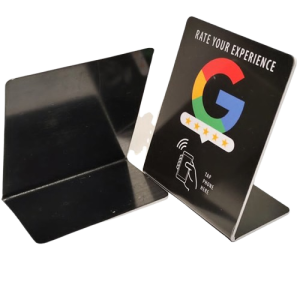
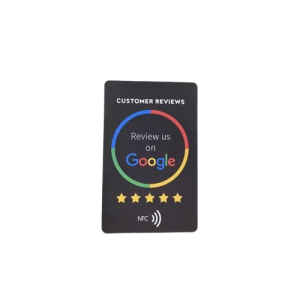
How to Send Us Your Google Review Link
- Go to Google.com and search for Google My Business.
- Sign in to your Google Business Profile.
- Under your business information, look for the box labeled Ask for Reviews and click it.
- A pop-up window will appear showing your Review Link.
- Click the Email button above the review link.
- Send the email to justtapitandgo@gmail.com.
- In the Subject Line, enter your name or business name.
- Send the email.
That’s it! Once we receive your review link, we’ll create your Google Review Card.
Need help? Call or text us and we’ll walk you through the process in just a few minutes. (954)839-4200